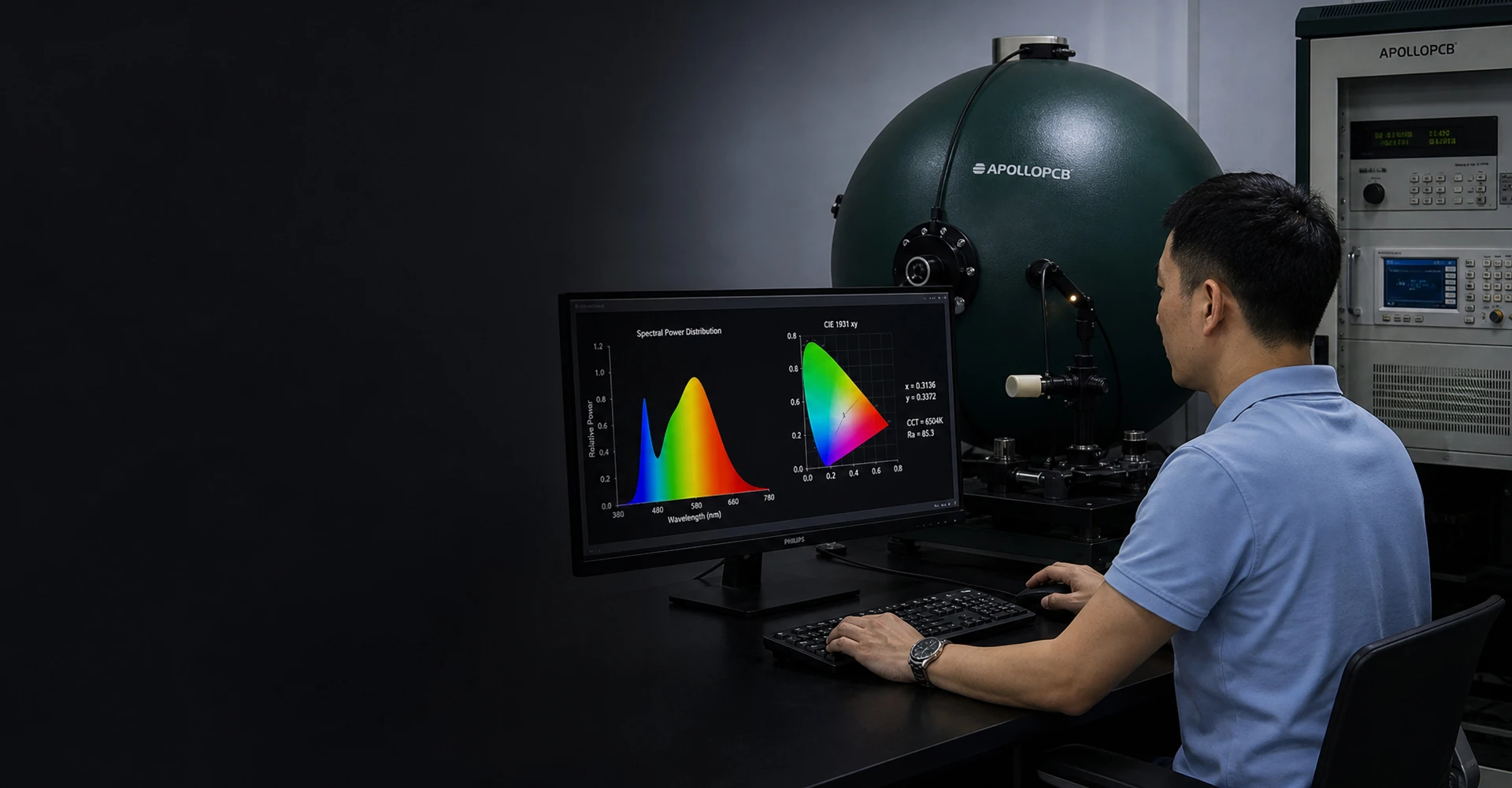
This is illustrative article content, not a published news report. No publication date, author attribution, customer result or certification claim has been supplied.
01 / ARTICLE SECTION
Link Function to Acceptance
The intended function gives context to an inspection brief. Identify the requirements that define acceptance and the questions that still need review.
This editorial example is not a testing protocol or a claim about inspection performance.
02 / ARTICLE SECTION
Identify Critical Drawing Features
Discuss the critical features using the fabrication and assembly drawings. Explain where a requirement is specified rather than inferring it from an illustrative image.
Required values and test conditions must come from the approved project documentation.

03 / ARTICLE SECTION
Define the Supporting Documents
The enquiry can include the records and release documents required for the project. Distinguish requested documents from verified results that do not yet exist.
The review confirms actual test scope, limits and acceptance criteria.
04 / ARTICLE SECTION
Prepare an Inspection Conversation
Bring the current design, intended use and acceptance documents into the conversation. List the points that need clarification before a build is released.
Use the enquiry form to prepare a message and agree on the appropriate next step. No inspection result is implied by this sample.
- Current design and application brief
- Critical features and acceptance requirements
- Requested tests and release records
- Questions requiring project-specific confirmation
05 / YOUR NEXT STEP
Turn the Story into Your Project.
Tell us what you are planning. Your enquiry will include the title of this article so the conversation starts with context.