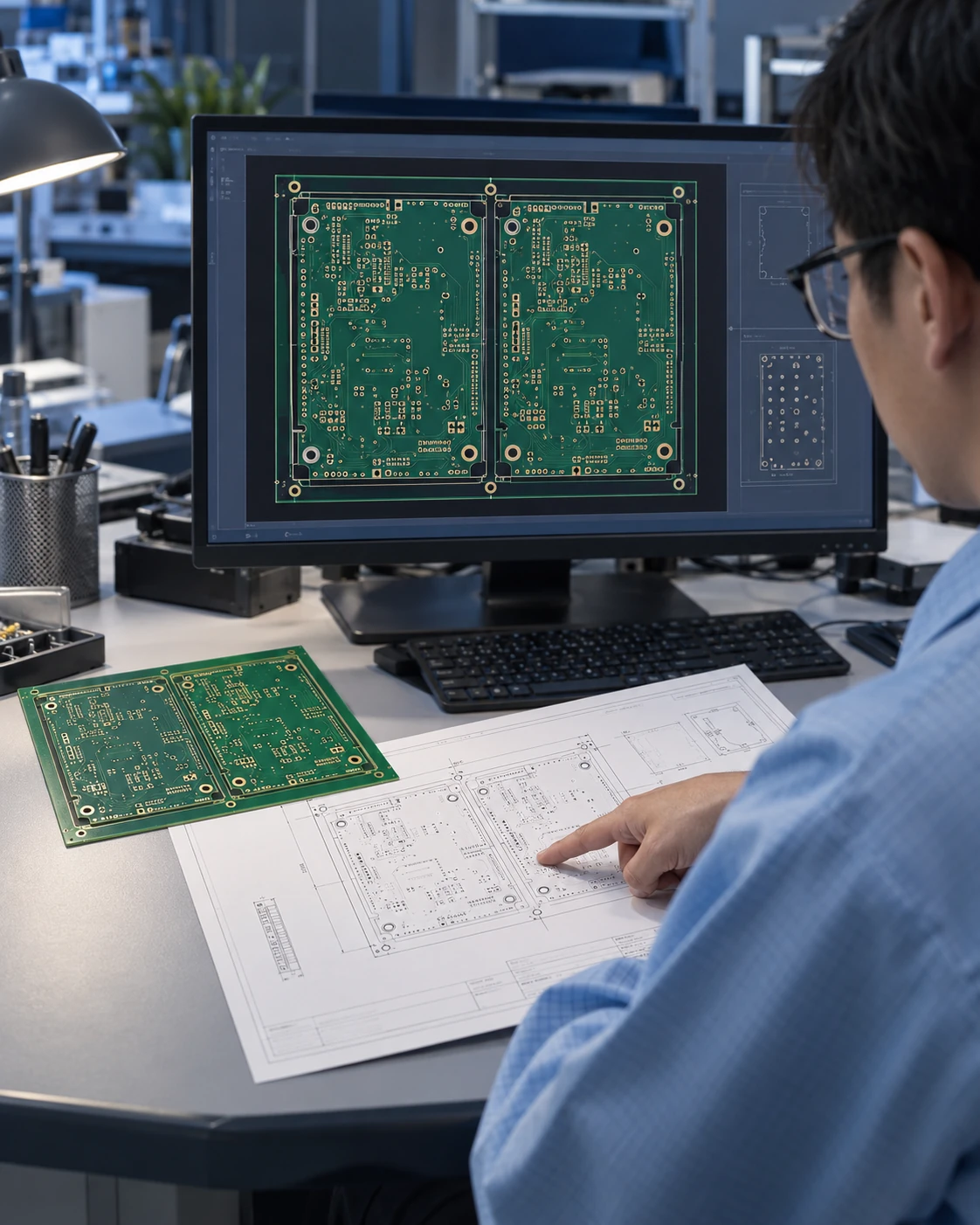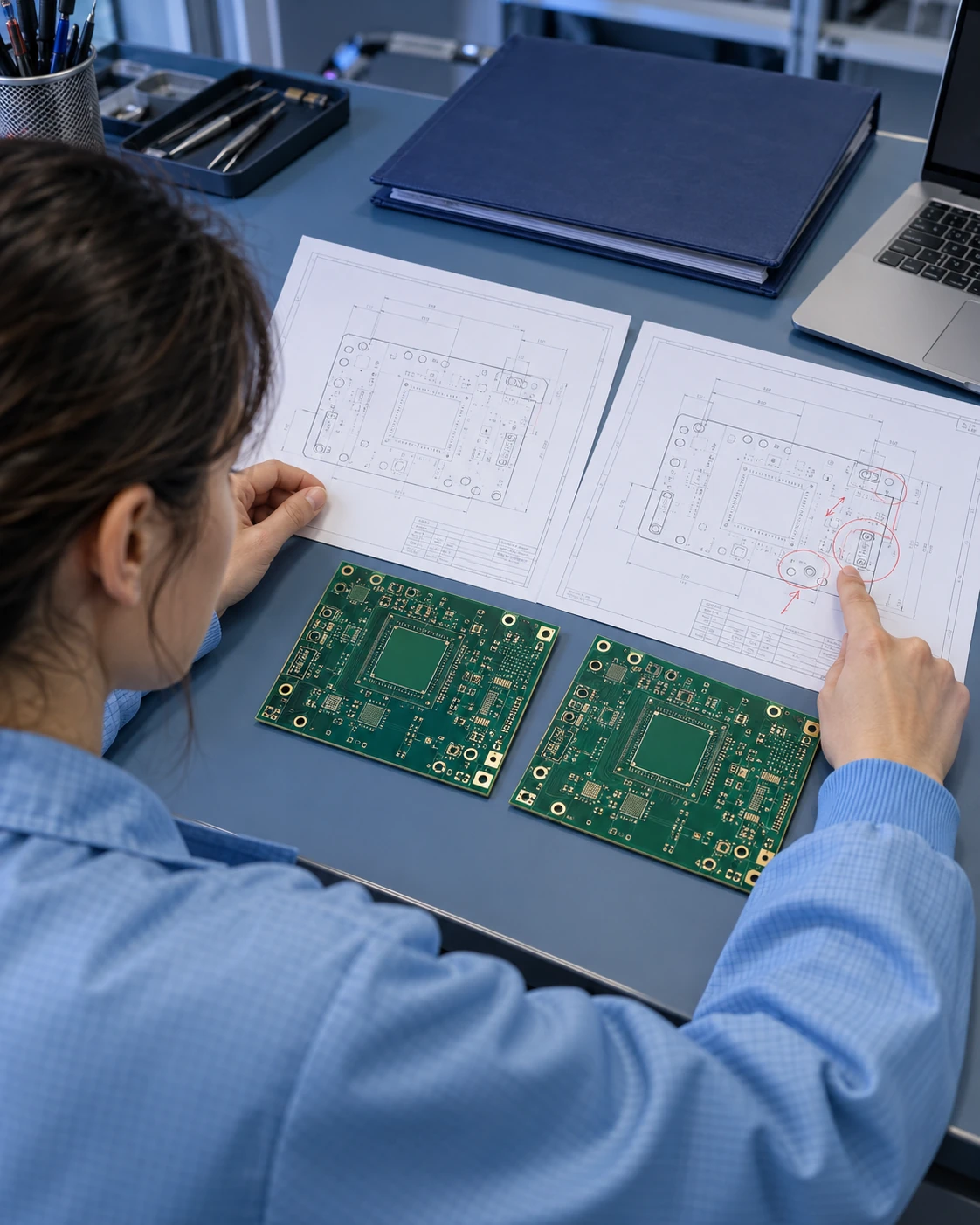
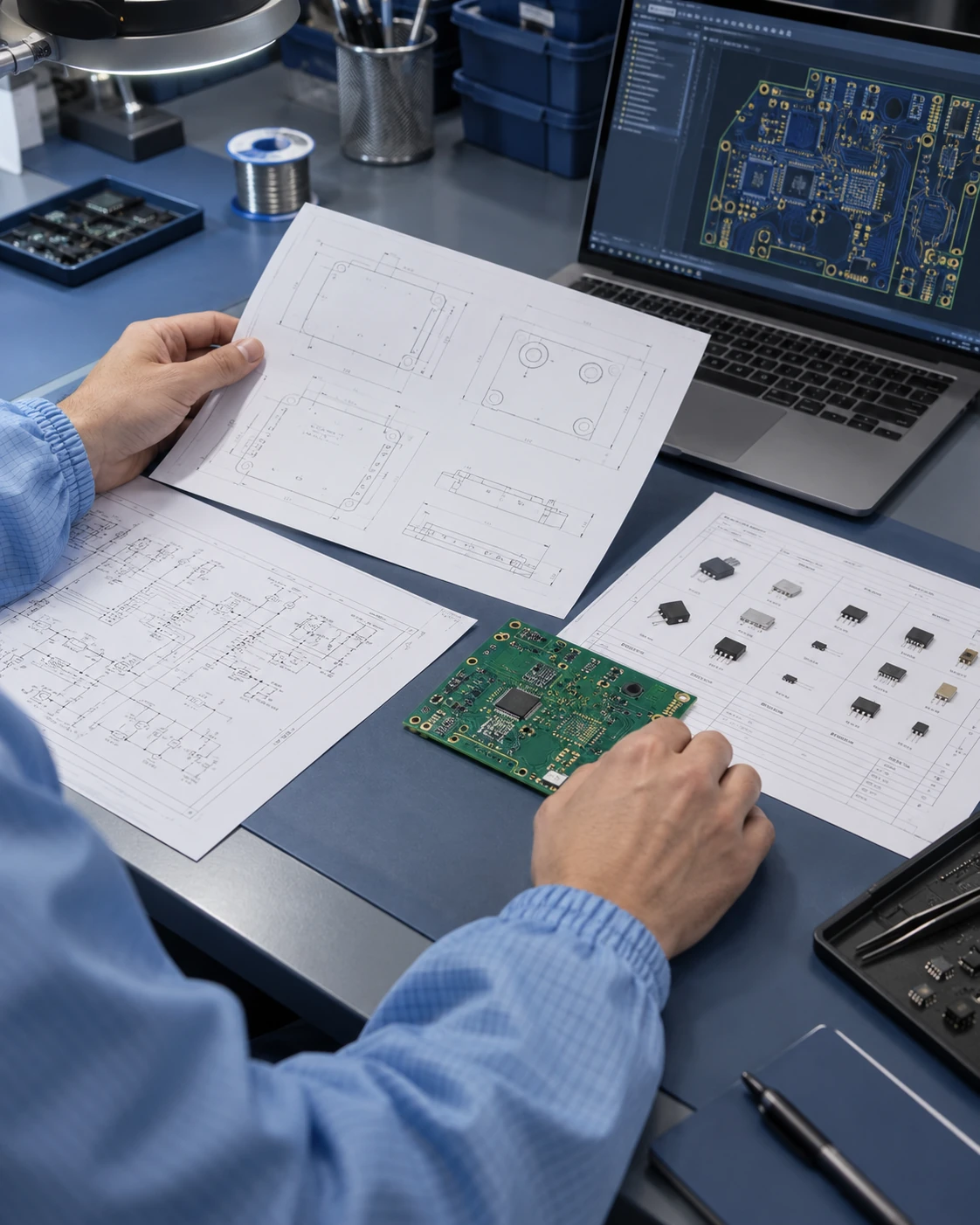
Illustrative engineers reviewing PCB drawings, a circuit board sample and digital design files

HomeSupport

Support & engineering resources

Clear Inputs.
A Better Starting Point.

Prepare the files. Identify the open questions.
Bring your next board into a manufacturing conversation.

Explore Resources

PCB fabrication SMT assembly Engineering input

Prepare Your Files

Engineering resources

Start with the Question.
Find the Right Checklist.

Choose the inputs that fit your project. Leave unconfirmed requirements open for review instead of filling in assumed specifications.

Downloadable preparation guides.
Not technical datasheets or fixed capability specifications.

Illustrative engineer organizing PCB drawings, a board sample and component references
From design files to project inputs.

ApolloPCB project checklist

Project Inputs

Connect the application, current circuit files and assembly needs in one brief. Start with what is already confirmed.

  • Project stage, function and application conditions
  • Gerber, drill data and fabrication drawing
  • BOM, placement data and mechanical interfaces
  • Quantity, acceptance criteria and open questions

TXT format · Uses the existing Manufacturing Services project checklist.
Illustrative aluminum PCB mechanical review with a caliper, heat sink and engineering drawing
Aluminum-backed board direction.

ApolloPCB aluminum PCB checklist

Aluminum PCB Review

Bring the circuit, thermal brief and mounting arrangement together. The proposed construction remains project-specific.

  • Board outline, circuit and fabrication requirements
  • Heat-source locations and operating conditions
  • Electrical isolation and intended thermal interface
  • Mechanical drawing, assembly inputs and checks
TXT format · Uses the existing Aluminum PCB project review checklist.
Illustrative DFM review comparing a PCB panel layout, fabrication drawing and bare board
Review the drawing before release.

ApolloPCB DFM preparation guide

DFM Review

Identify the requirements that must stay unchanged and the areas open for discussion before proposing a design change.

  • Consistent files, revision and drawing notes
  • Materials, stack-up, circuit and drill features
  • Mask, finish, markings and panel layout
  • Assembly interfaces and approval of changes
TXT format · Compiled from this site's PCB Re-design and DFM Review content.
Illustrative engineer comparing PCB revisions with annotated drawings and two board samples
Make the approved revision clear.

ApolloPCB change preparation guide

Revision Changes

Describe the change, affected files and decisions still to be confirmed. Keep the next manufacturing enquiry tied to a clear revision.

  • Previous and proposed revision, with changed files
  • Materials, geometry and assembly interfaces affected
  • Checks or approvals that may need to be revisited
  • Superseded files and the agreed release set
TXT format · Compiled from this site's revision and engineering input guidance.

These resources help prepare a conversation. Manufacturing scope, materials, process limits, inspection requirements and delivery timing are confirmed against the project.

File preparation

One Project.
One Current Revision.

A clear file set makes the next question easier to identify. Include only the applicable inputs, and label anything that still needs confirmation.

Project file setIllustrative organization — not a required file format

  • Project briefApplication · quantity · open questions
  • PCB fabricationGerber · drill data · fabrication drawing
  • Assembly inputsBOM · placement data · assembly drawing
  • Mechanical interfacesBoard outline · mounting · enclosure
  • Revision recordCurrent revision · changes · approval notes
Keep one release set

Identify the files to use.
Separate superseded revisions.

PCB Fabrication

Provide the current Gerber and drill files with the fabrication drawing. Include the proposed layer arrangement, material references, outline, finished thickness, copper and finish requirements where defined.

PCB Re-design & Review
SMT Assembly

Connect the BOM and placement data to the board revision. Add component references, sourcing scope, orientation or handling notes and the assembly inspection brief.

SMT Assembly Direction
Mechanical & Application Inputs

Share mounting and enclosure drawings alongside the board. Describe the operating environment, connectors and thermal or electrical requirements that affect the proposed construction.

Aluminum PCB Project Files
Inspection, Quantity & Release

State the project stage, quantity, requested timing and acceptance criteria. List required records and documents, and separate approved requirements from items still open for review.

Quality Assurance Approach

Before You Start the Conversation

Mark the preparation checks you have considered. This is a local reminder, not an engineering approval or submission.

0 of 4 preparation checks marked

Project preparation reminder

Review process

From the First Question.
To a Defined Next Step.

Use this sequence to prepare your enquiry. The review scope and next steps depend on the files, requirements and decisions agreed for your project.

  1. 01

    Identify the Input

    Connect the project stage, application and current file revision.

  2. 02

    Clarify the Questions

    List missing information, fixed constraints and options open for review.

  3. 03

    Discuss the Build

    Review the proposed construction, assembly interfaces and inspection brief.

  4. 04

    Confirm the Next Step

    Record agreed changes, approvals and the file set to use going forward.

No design change is treated as approved merely by reading this guide.

Explore Manufacturing

Common project questions

A Few Answers.
A Clearer Start.

Need to discuss your own files, materials or requirements? Bring the question to an engineering conversation.

Ask an Engineer
Can I start before all the files are ready?

Yes — start a conversation with the information you already have. Explain the application and current project stage, and list missing files or unconfirmed requirements. A manufacturing decision or quotation may need additional inputs.

Prepare a Project Enquiry ↗
What should I include for a DFM review?

Prepare the current Gerber and drill data, fabrication drawing, proposed construction and revision notes. Include mechanical constraints and BOM or placement data if assembly is part of the enquiry. State what must remain unchanged and what can be discussed.

View ApolloPCB DFM Review ↗
Are these checklists technical specifications?

No. They are project preparation aids, not datasheets, fixed capability tables or inspection approvals. Materials, dimensions, tolerances, checks and acceptance requirements must be confirmed in the project drawings and agreed documents.

How should I identify a design change?

State the previous and proposed revision, list changed files and describe the affected material, circuit, mechanical or assembly conditions. Identify superseded files and any checks or approvals that need to be revisited.

Download Revision Checklist ↓
Can I upload my design files on this page?

This static page does not upload, save or send project files. The Contacts page can help you prepare an email draft. Review it in your own email application and attach only files you are authorized to share before sending.

Engineering Input & Email Preparation ↗
Where can I request certificates or project documents?

Describe the documents required for your application and ask ApolloPCB to confirm availability and scope. No certificate number, certification claim or technical datasheet is implied by the guides on this page.

Request Supporting Documents ↗

Engineering support

Bring the Files.
Start the Conversation.

A short project brief and the current revision are a useful starting point. Share the question you want to resolve and the constraints that matter.

Prepare Engineering Input

Support / New Project

Start a Project

Tell us what you are building and what you would like to review.

Your enquiry is saved securely for our team. Please do not include confidential design files here.